
Cursor Visual Editor: Canva-level ease without low-code lock-in
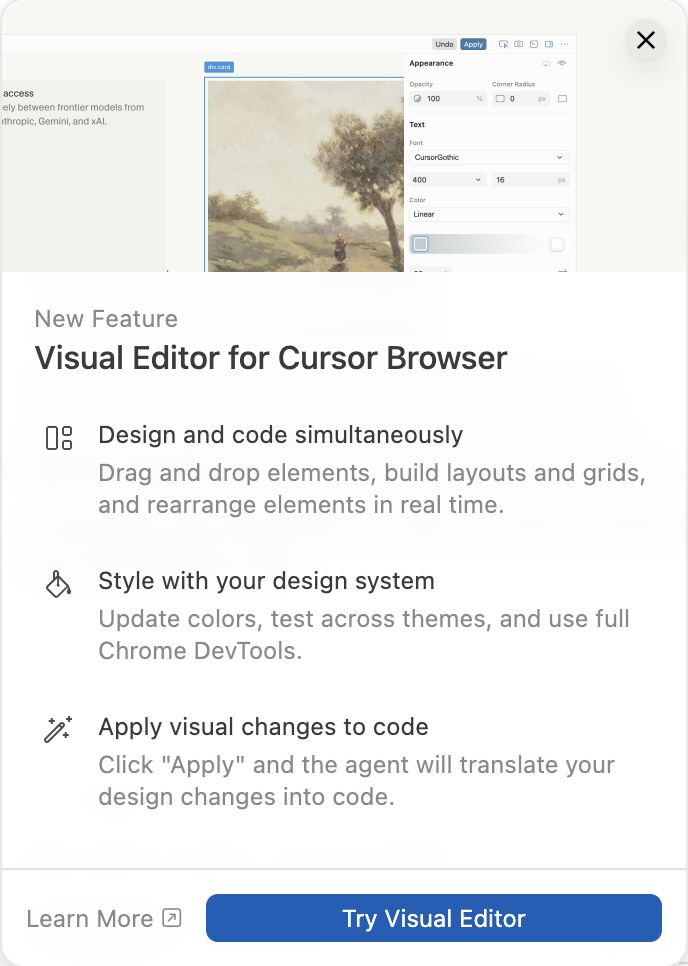
Ooh. Cursor just told me that it now has a “Visual Editor for Cursor Browser”. Wonder what that will do for me? 🍿
Apparently it can “control a web browser to test applications, visually edit layouts and styles, audit accessibility, convert designs into code, and more.”
The docs suggest that it brings some of the UI design experience of Figma, debugging capability of Chrome Dev Tools, and the visual test automation of Playwright.
All within the AI-powered IDE.
I feel a Nerd Friday coming on. 🤓
First impressions of Visual Editor for Cursor Browser — it’s pretty damn cool.
You work collaboratively and visually with your AI developer agent in Cursor to build and refine a web UI. We’ve been doing this for a while now, but this is more integrated, more seamless, and much faster.
E.g. select a submit button in your web page and ask AI: What does this do? What function fires? What validation do we run? Any element you select on screen is instantly in context for the AI.
The visual CSS editor is neat for non-techies. Change a colour or font size visually, and Cursor finds the right place in the codebase and proposes the edit, then lets you talk through the wider implications.
There’s been some backlash around “you still need human experts”, which to me is getting tired. This feels like more democratisation of web and UI design.
Canva-level ease, but without low-code lock-in.
Definitely one to watch in 2026. 👀
Originally shared on LinkedIn